> ## Documentation Index
> Fetch the complete documentation index at: https://docs.celo.org/llms.txt
> Use this file to discover all available pages before exploring further.
# Ngrok Setup
When builidng dApps for MiniPay locally, you want to test the dApp inside MiniPay wallet on your phone.
But since the dApp is running locally, you cannot simply visit localhost on your phone to open the dApp on your phone.
To solve this, we use `ngrok`.
`ngrok` allows us to share our localhost by providing us with a temporary web url that can be used on any device!
## Installing Ngrok
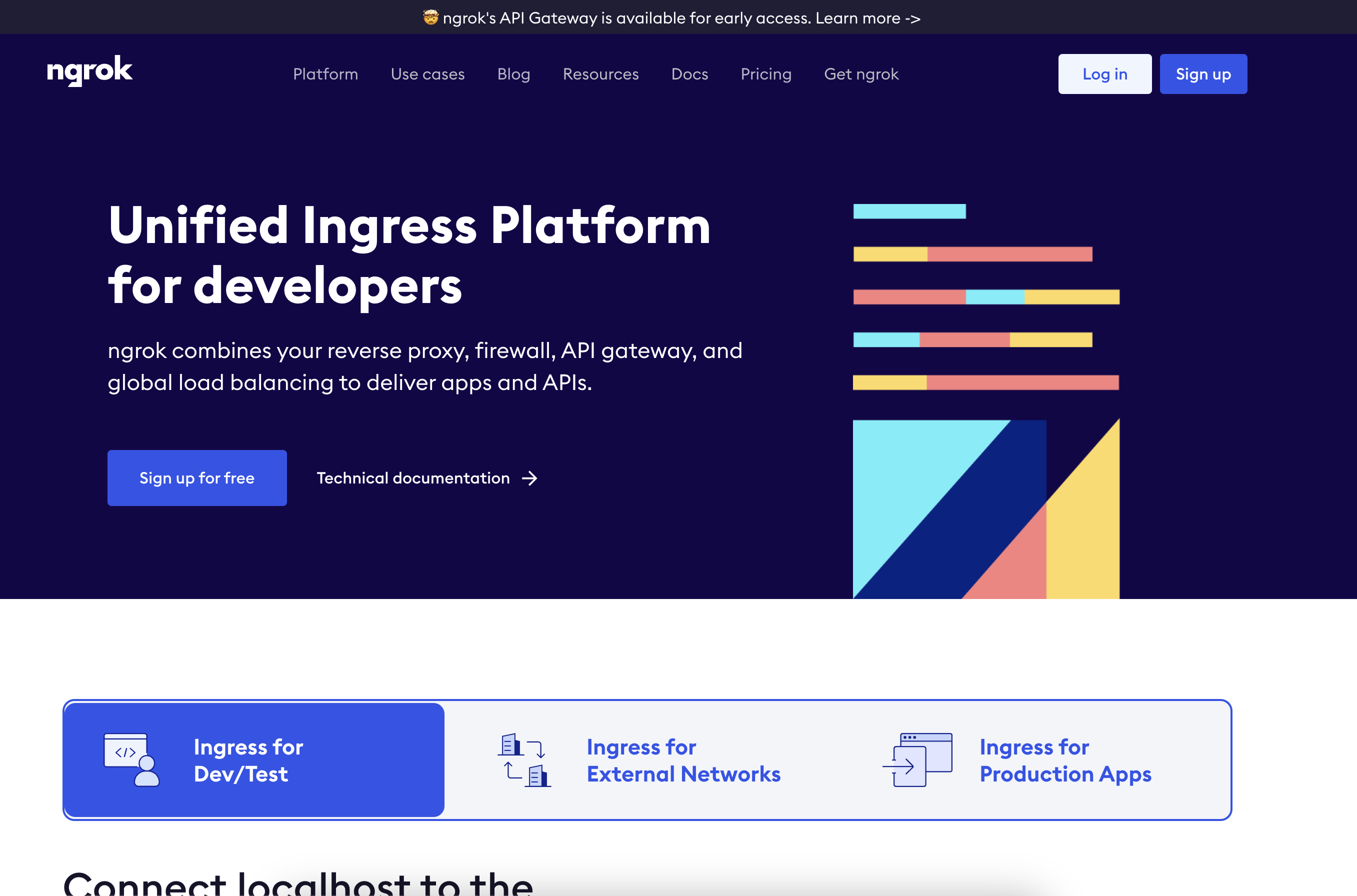
1. Visit [ngrok.com](https://ngrok.com)
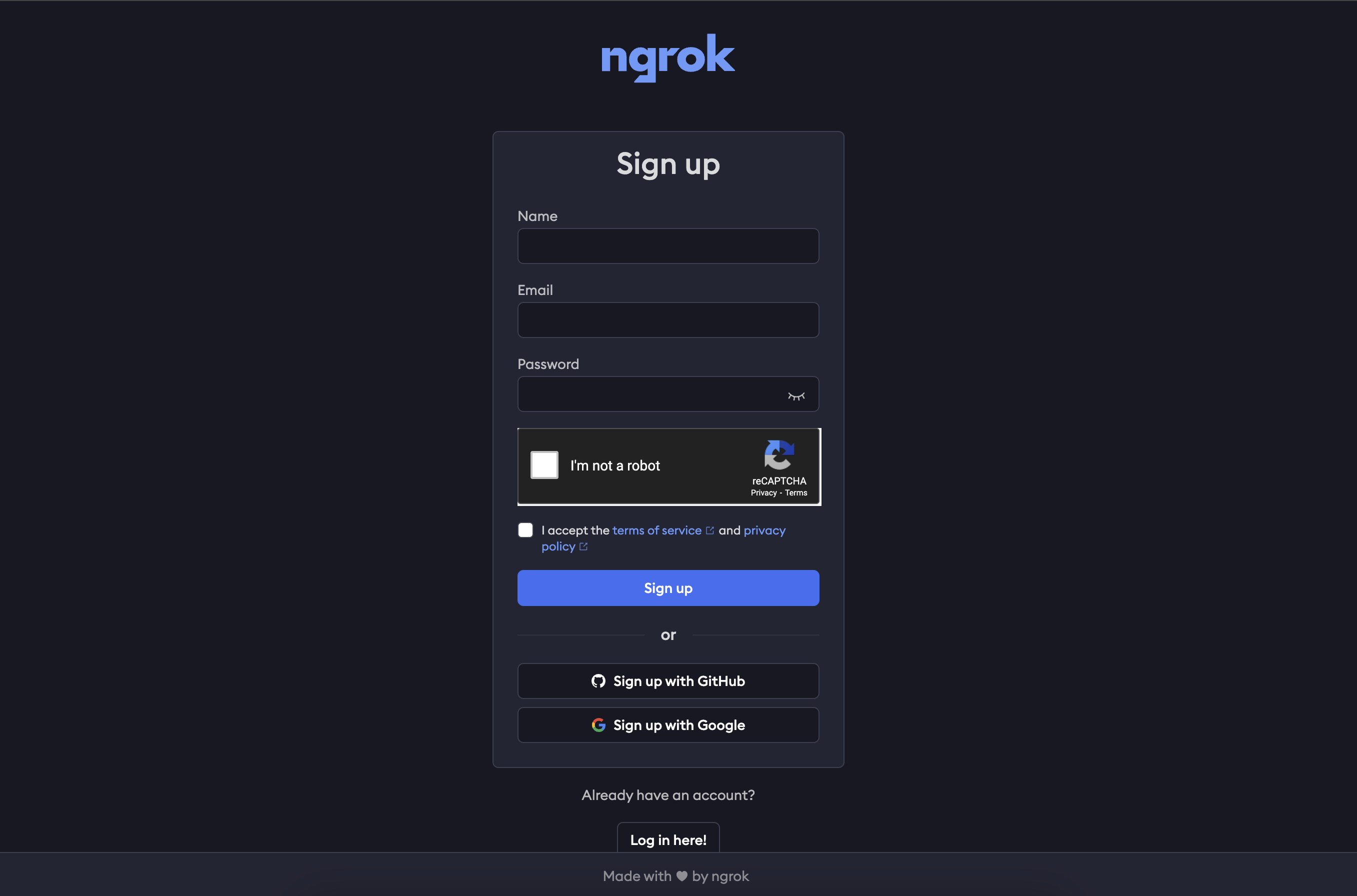
 2. Sign up
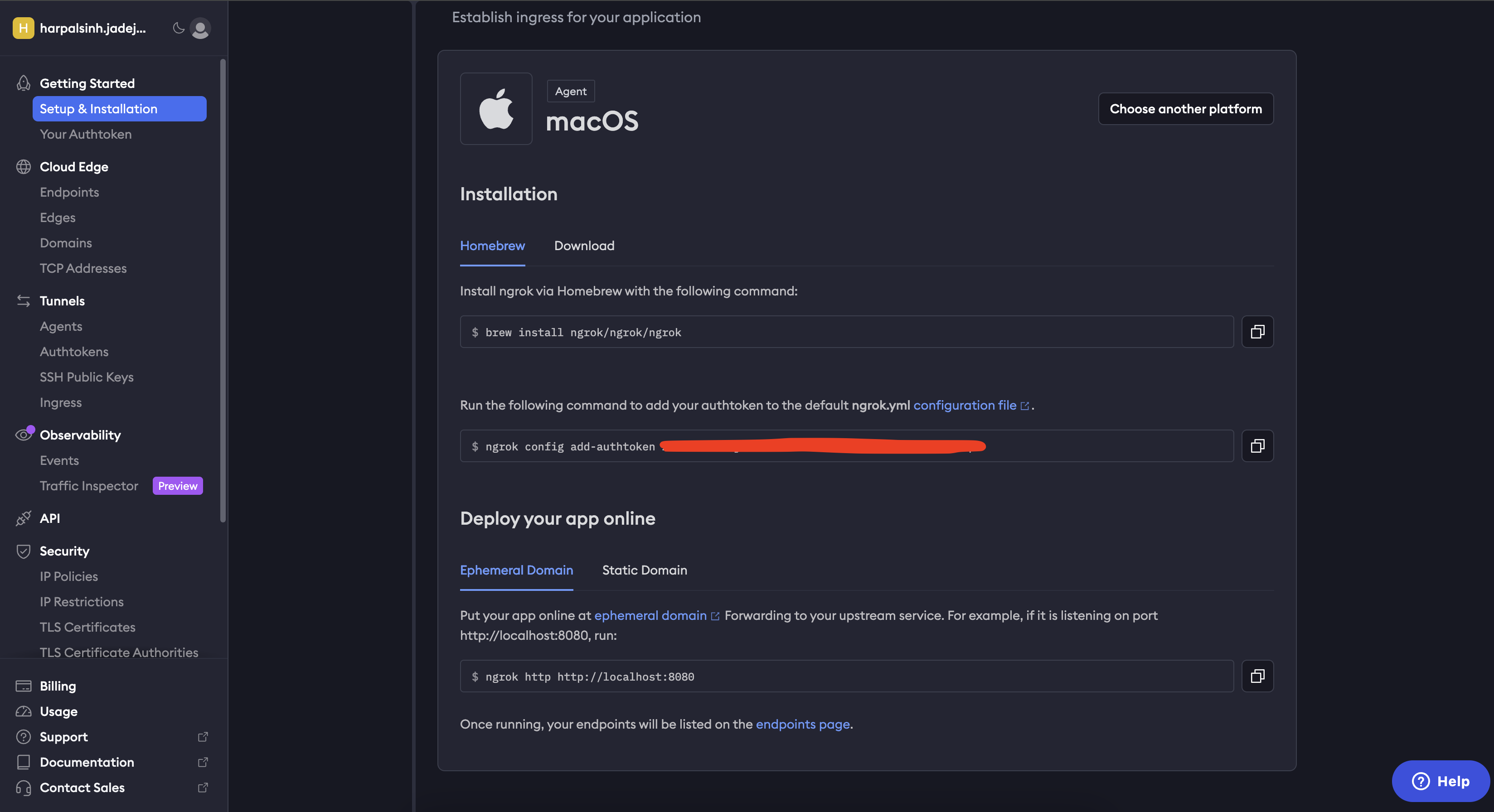
 3. The dashboard will have instructions based on your OS on how to install and use ngrok!
 4. Once installed you can use the following command to share your localhost port.
```bash theme={null}
> ngrok http [PORT]
```
The output looks something like this.
4. Once installed you can use the following command to share your localhost port.
```bash theme={null}
> ngrok http [PORT]
```
The output looks something like this.
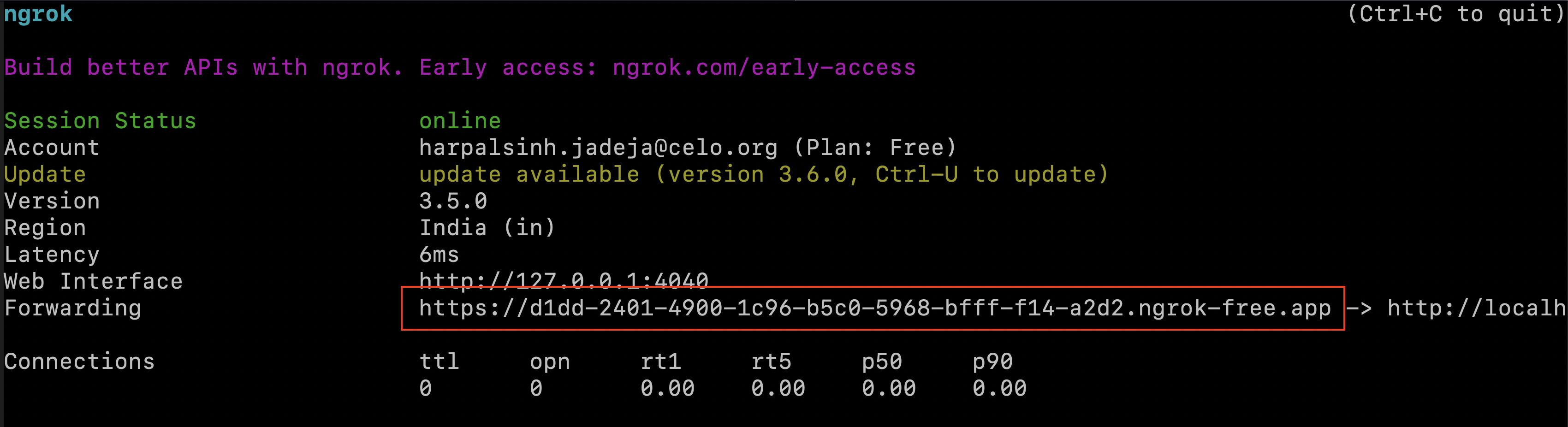 You can use the highlighted url to launch the localhost dApp on the [MiniPay's Site Tester](/build-on-celo/build-on-minipay/quickstart#test-your-mini-app-inside-minipay).