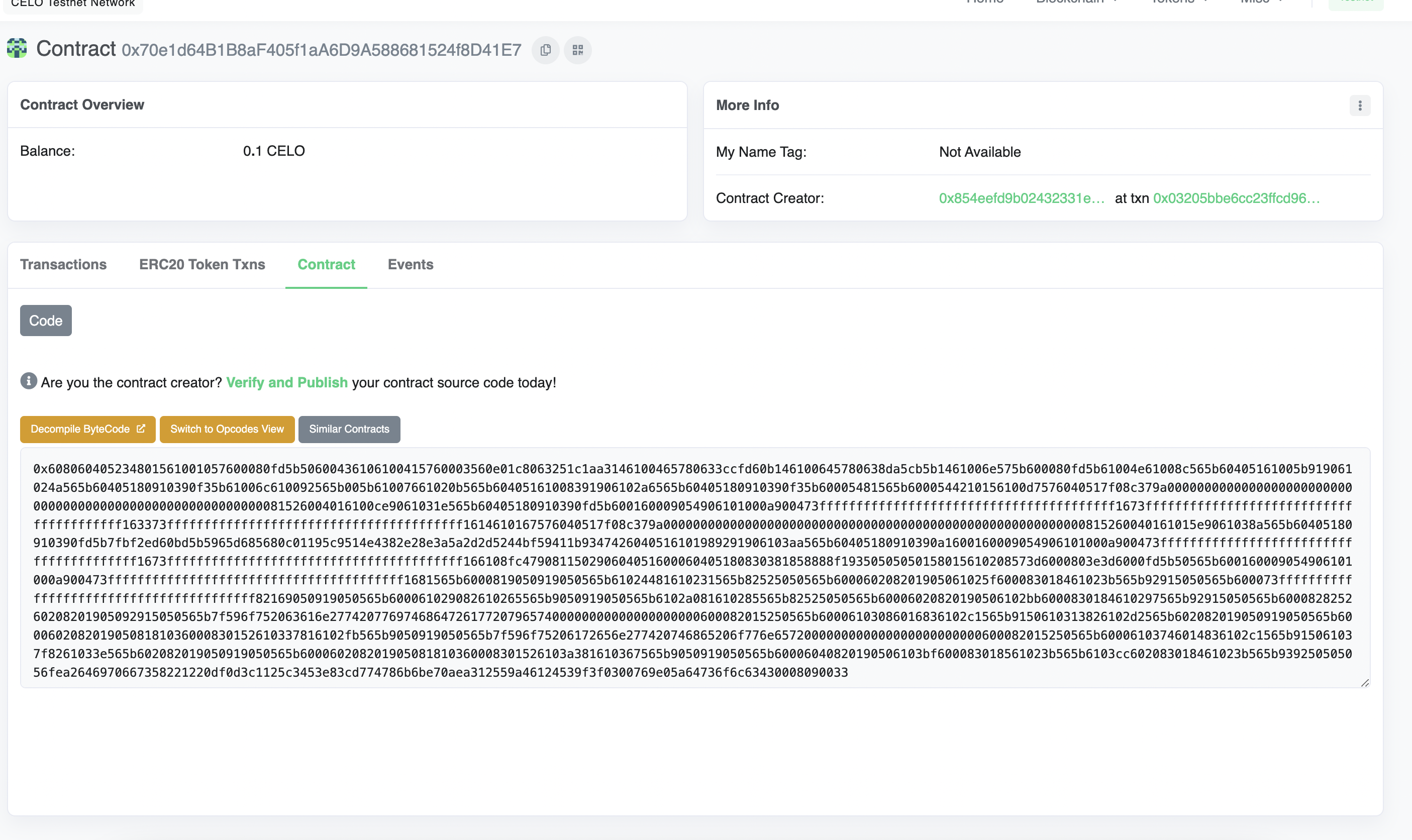
- Navigate to the Contract tab at the Explorer page for your contract’s address
- Click Verify & Publish to enter the smart contract verification page
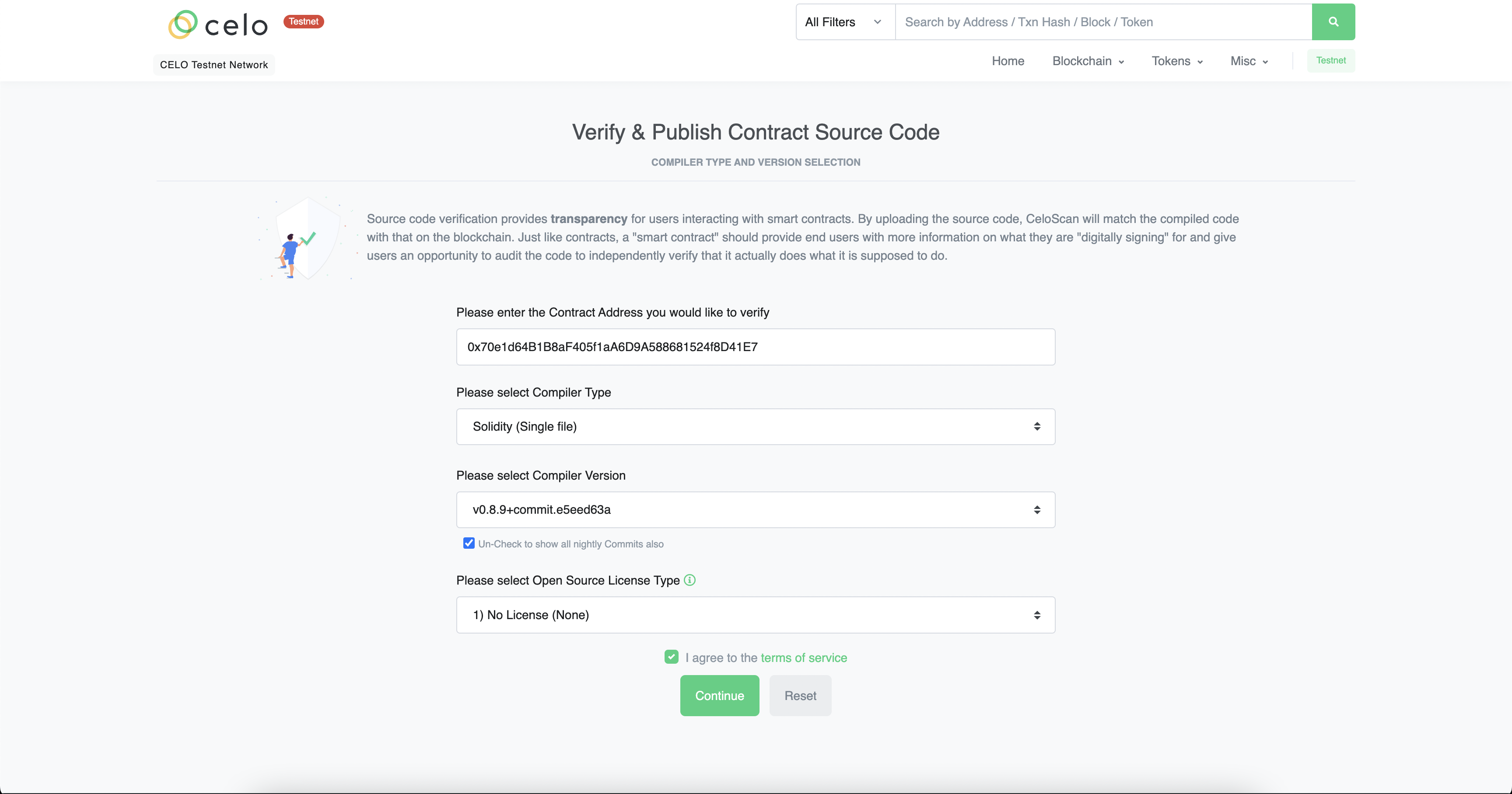
- Select the Compile type, version and license.
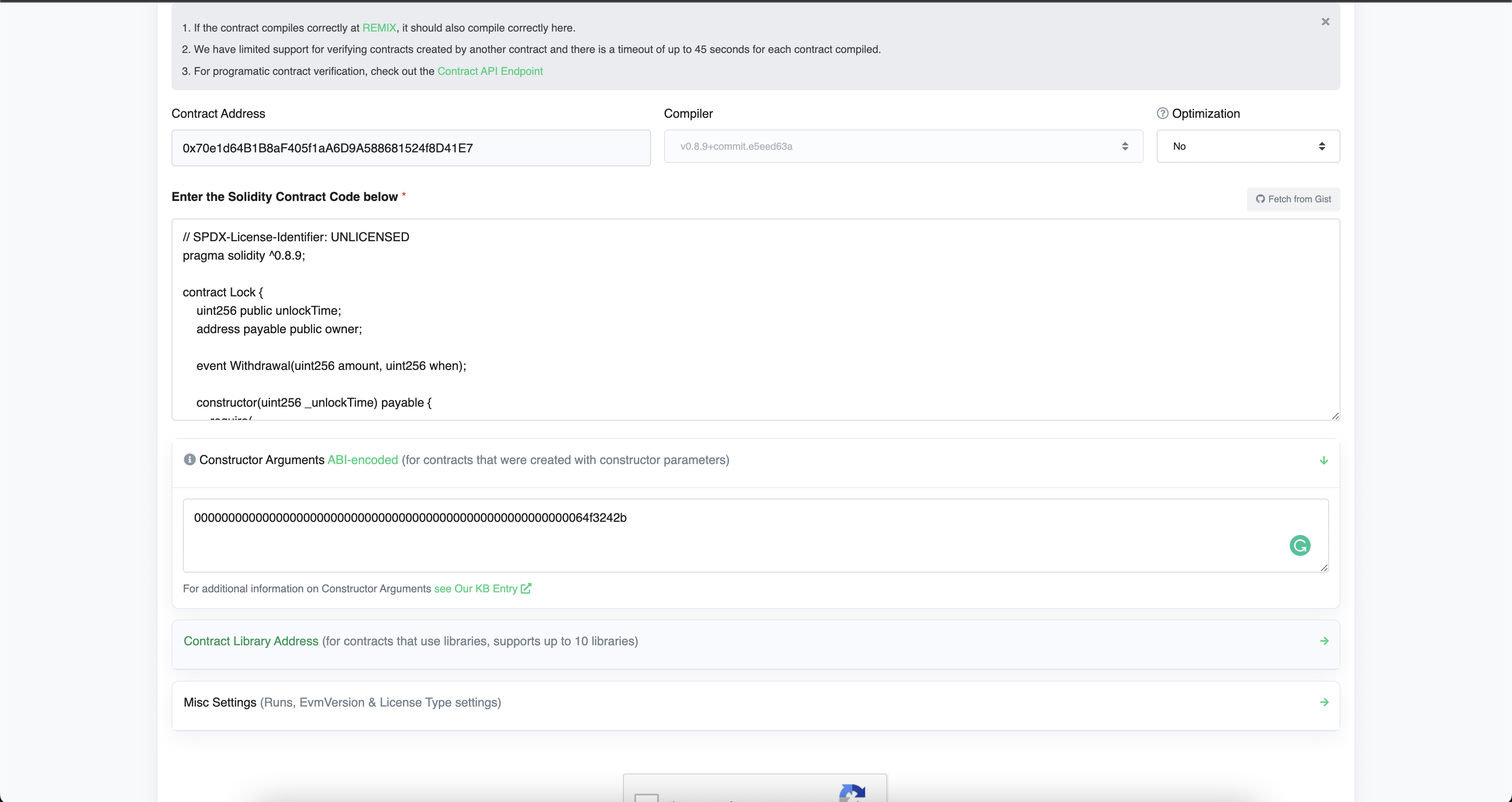
- Enter the Solidity Code of the contract along with the constructor arguments.
- Complete Captcha and click Verify and Publish.
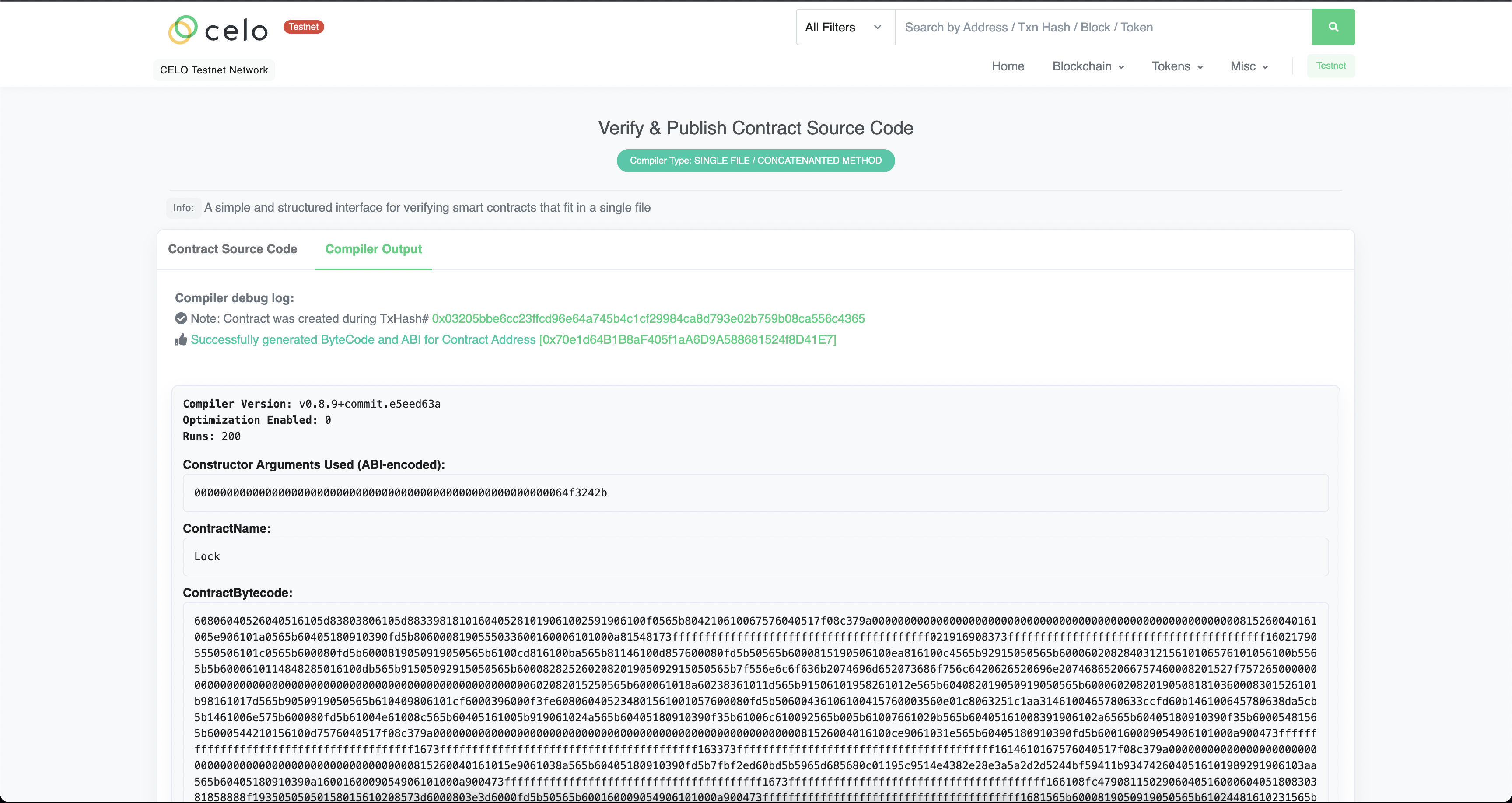
- If done correctly, you should see the following screen.