Download Celo Terminal
Navigate to https://celoterminal.com/ to download application for your OS type.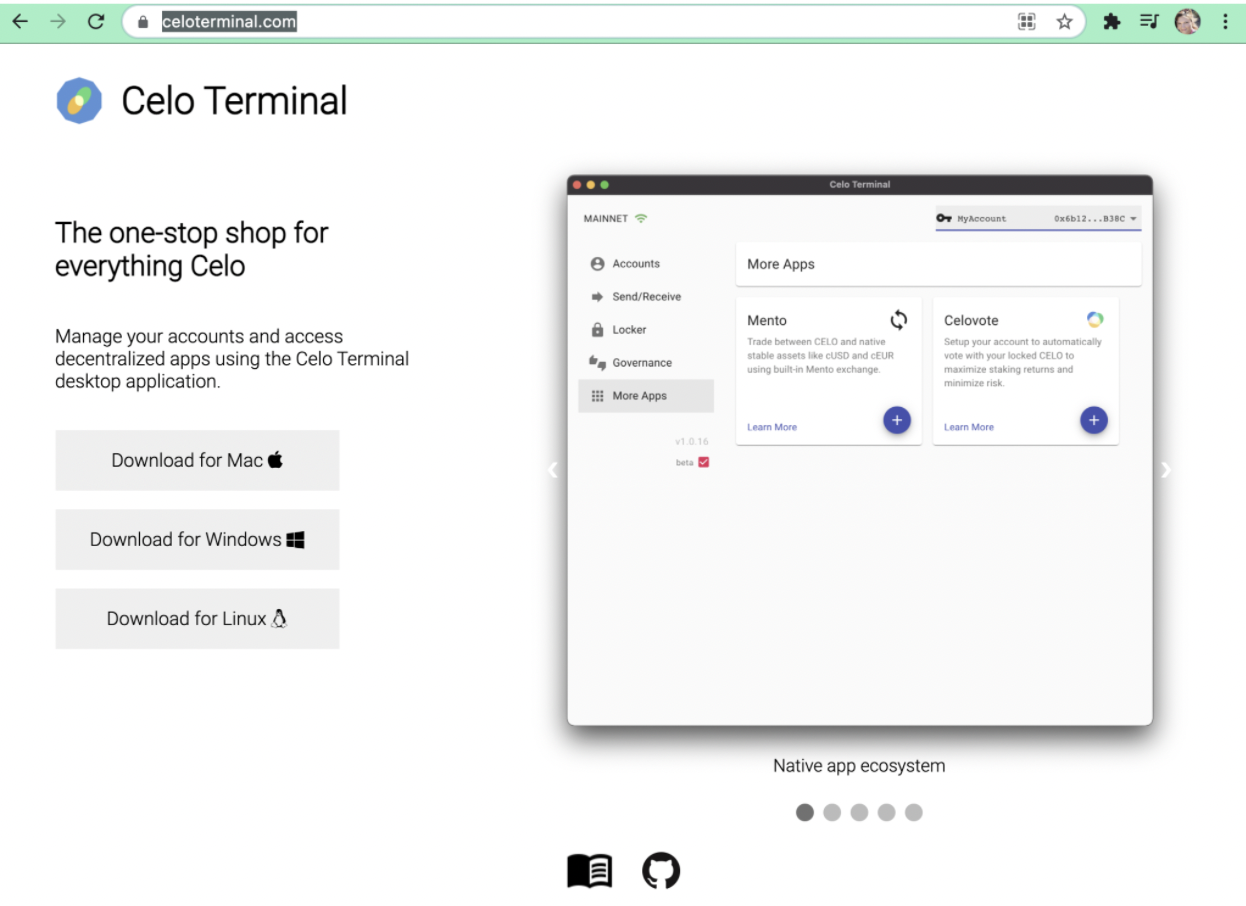
Add Account
Select “Add account”
Add Ledger Account
Connect your ledger device and choose “Add Ledger Account”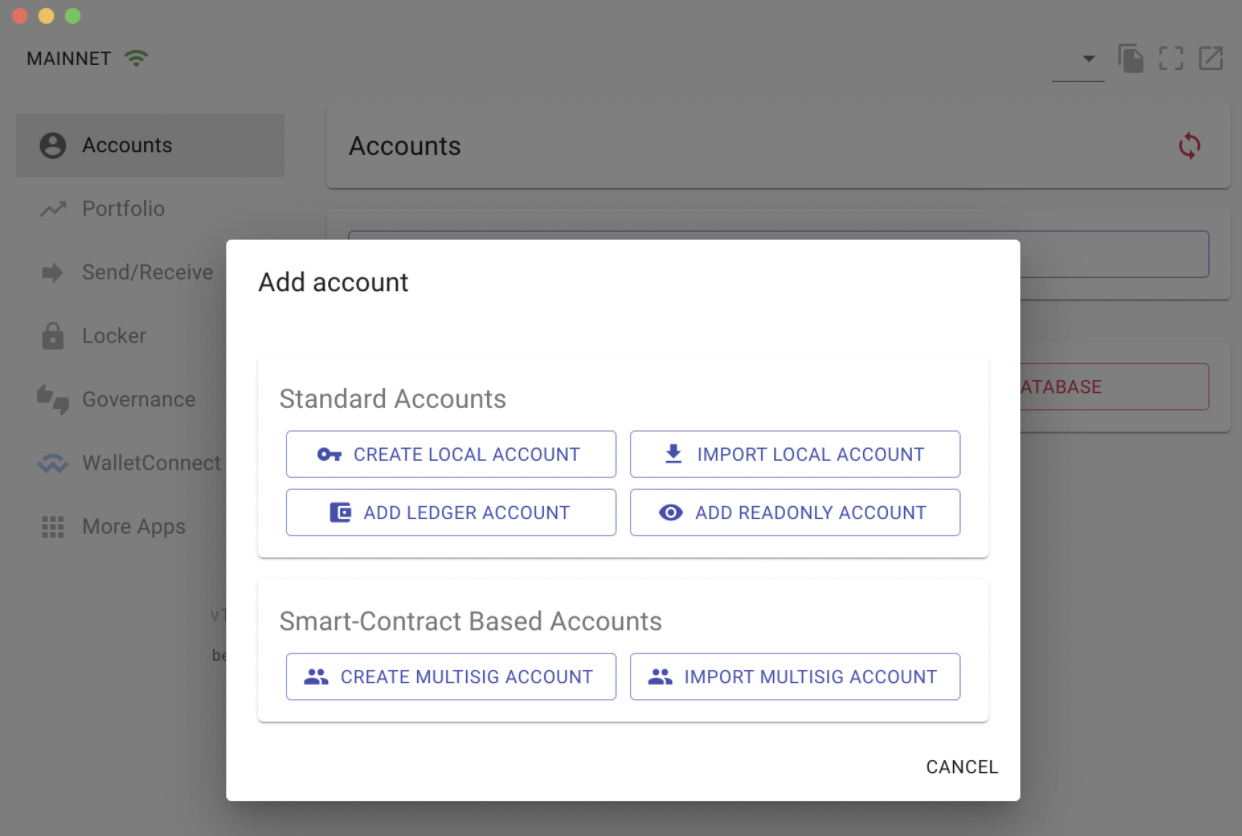
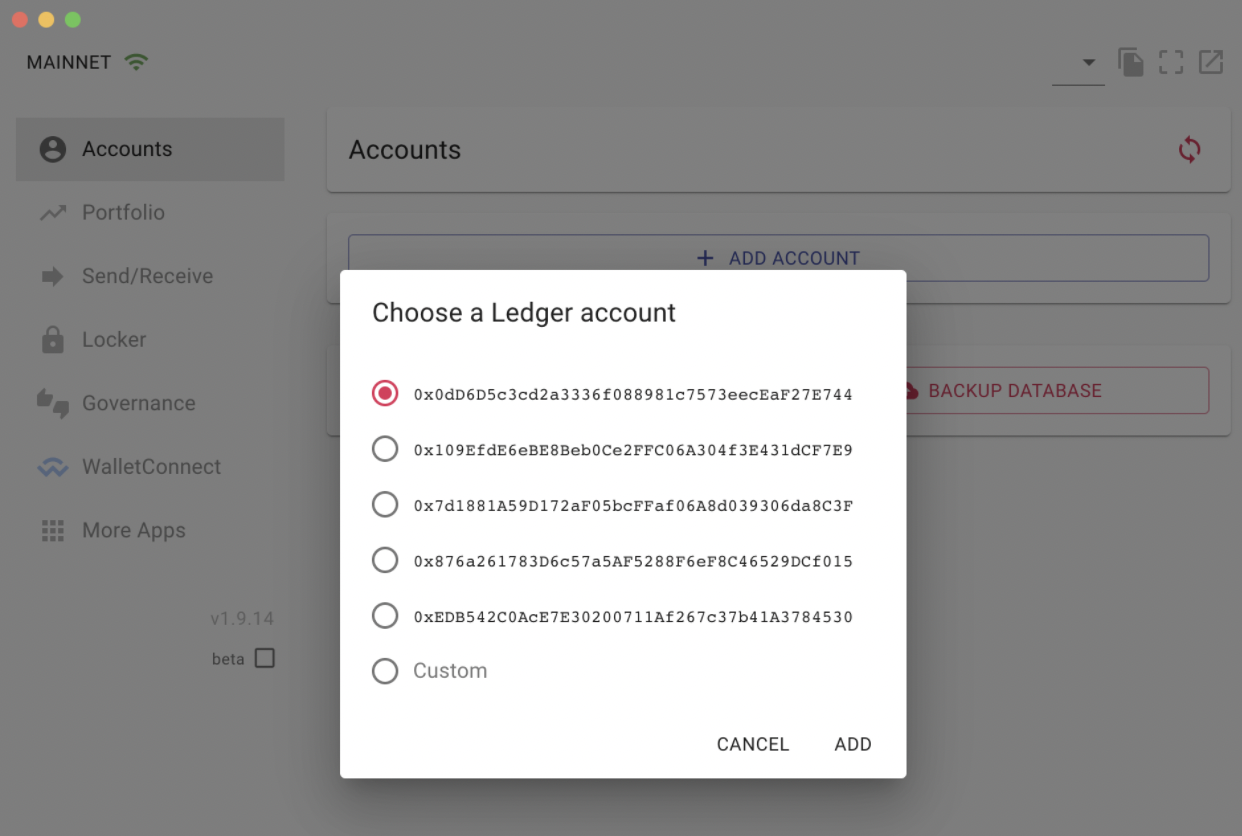
Choose your Account
A new window will appear listing available accounts, the default is selected (index 0). Choose your account, default selection typically works for standard accounts.